How to Optimize a v0 (Vercel) Site for AI Crawlers v0 can produce sites that AI search reads well — if your pages return real HTML. The trap is shipping content that only appears after JavaScript runs in the browser; when that happens, crawlers like ChatGPT, Perplexity and Google's AI Overviews receive an empty shell and have nothing to cite. Here's how to tell which situation you're in, and how to fix it. Key takeaways v0 output deployed as a server-rendered Next.js app can be crawler-friendly — but content that's rendered only in the browser stays invisible to AI engines. The test isn't the tool, it's the HTML a crawler receives: is your real content in it, or just an empty
?
Three moves make the difference: render content server-side, add JSON-LD structured data, and expose AI-friendly files (robots.txt, optional llms.txt).
A free 60-second audit tells you exactly what crawlers see — no signup.
First, know which situation you're in
Unlike a plain single-page app, v0 components are often deployed as part of a Next.js project on Vercel — and Next.js can render pages on the server, which is exactly what crawlers want. So v0 sites aren't automatically invisible.
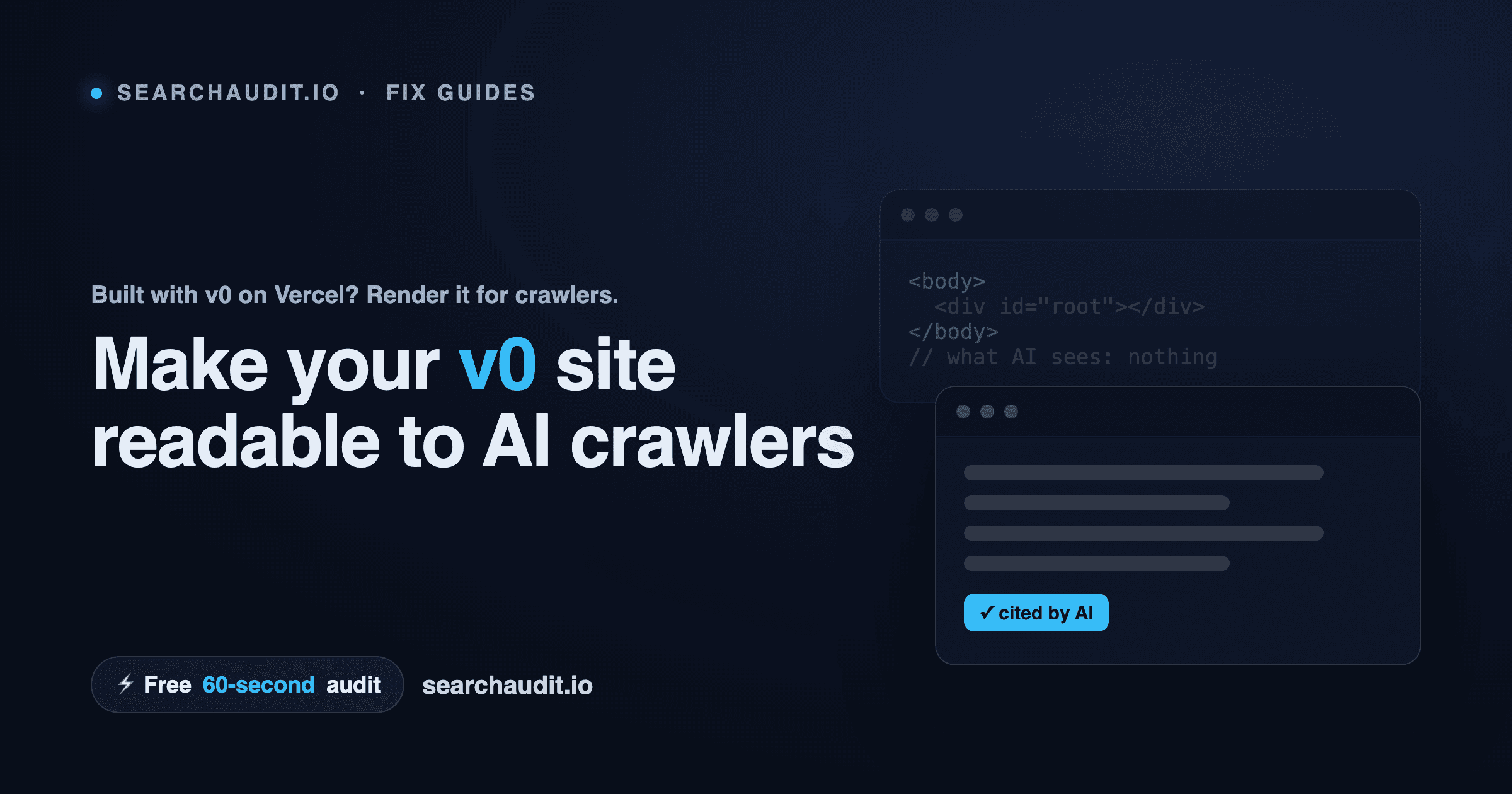
The problem appears when content is pushed into client-only rendering — for example, data fetched entirely in the browser after load, or interactive components where the meaningful text only exists once JavaScript runs. In those cases a crawler reading the raw HTML sees the layout chrome but not the substance:
If that's your situation, AI engines can't read what isn't there — and they won't cite a page they can't read.
How to check
View source on your live v0/Vercel page (right-click → "View Page Source"). Is your actual copy present in the HTML, or does it only appear in the live, rendered page? If it's missing from source, crawlers are missing it too.
Run a crawler-eye audit to confirm which AI engines can reach your content and where it drops off.
The 3-step fix
- Render your content server-side Lean into Next.js's strengths on Vercel: Use server components / server-side rendering for public, content-bearing pages so the HTML arrives complete. For pages that rarely change, use static generation so each URL returns finished HTML. Avoid pushing primary text content into client-only fetches on pages you want crawled. The goal: a bot requesting the page gets your words immediately, no JavaScript required.
- Add JSON-LD structured data Include a JSON-LD block describing each page — Organization and WebSite sitewide, FAQPage on Q&A sections, Article on posts. It helps AI engines understand and quote your content accurately.
- Expose AI-friendly files robots.txt: make sure GPTBot, ClaudeBot, PerplexityBot and Google's crawlers aren't blocked. llms.txt: an optional, emerging convention — a root-level file pointing AI models at your most important pages. Not an official standard, but easy to add and forward-looking. Re-verify after every deploy Because rendering can change between deploys, confirm what crawlers receive each time you ship — AI visibility you earned once can quietly slip away. See what AI search sees — free, 60 seconds Run a free audit of your v0 site for your AI Visibility Score (0–100), a category-by-category breakdown, and the exact issues to fix — about 60 seconds, no signup, no credit card.
See what AI sees on your site
Free score & issues report. No signup.