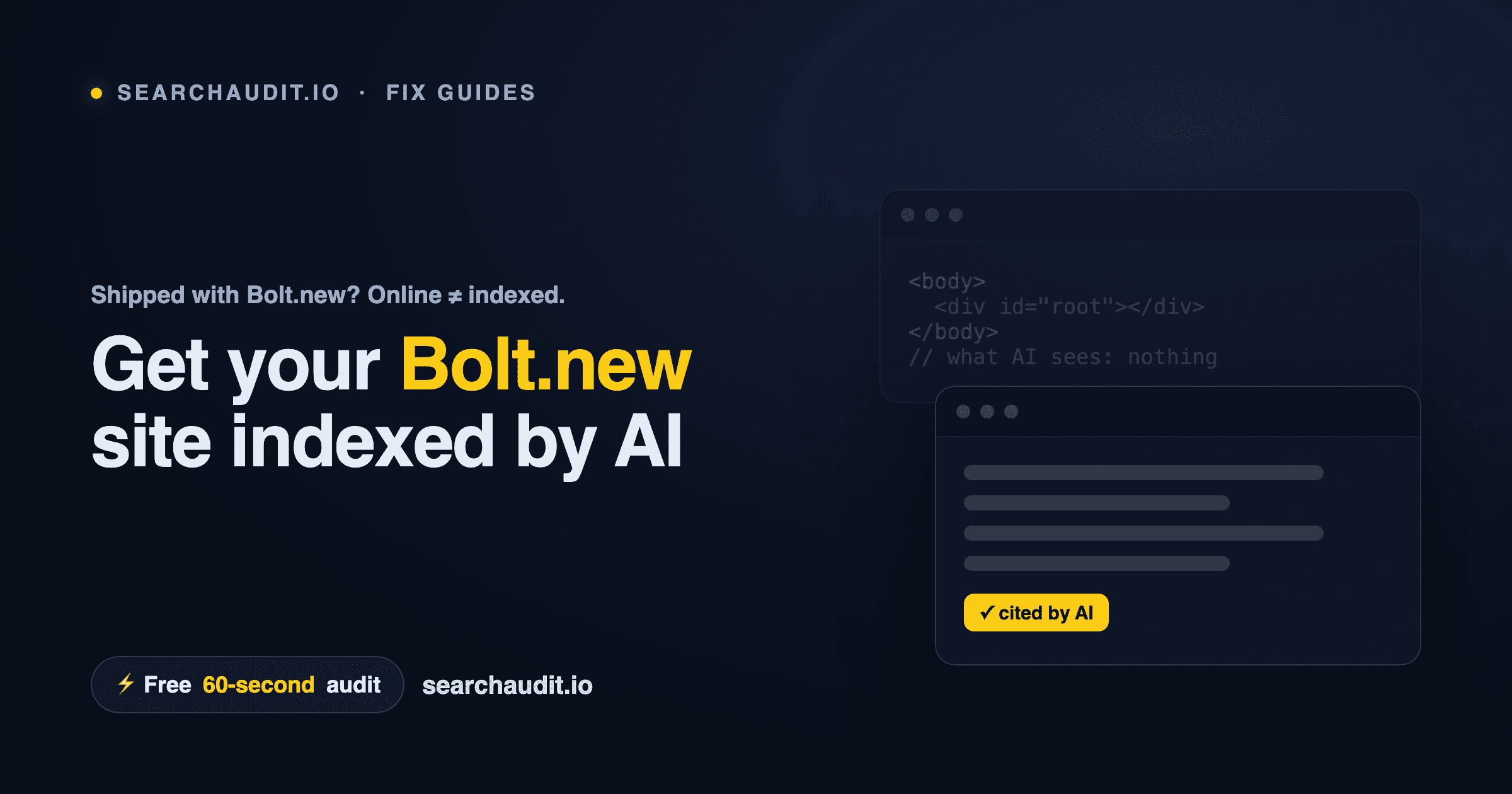
How to Index a Bolt.new Site on Google and ChatGPT Short answer: make sure your Bolt.new site returns real HTML to crawlers, not an empty app shell. Bolt apps are typically single-page apps rendered in the browser with JavaScript — so Google and AI engines like ChatGPT often receive a blank
and nothing to index or cite. Key takeaways Bolt.new usually produces a client-rendered single-page app, so crawlers that don't run JavaScript see an empty page. Being "online" isn't the same as being indexable — and AI engines (ChatGPT, Perplexity, Claude, Gemini, AI Overviews) are stricter than Google. Fix it in three moves: serve real HTML (SSR or pre-render), add JSON-LD structured data, and expose AI-friendly files (robots.txt, optional llms.txt). A free 60-second audit shows you exactly what a crawler receives — no signup. Why your Bolt.new site isn't getting indexed Bolt.new is great for shipping a working app fast. But "working in the browser" and "readable by a crawler" are two different things. A typical Bolt app sends the browser a thin HTML file plus a JavaScript bundle. The browser runs the JavaScript, and then the page fills in with your content. A crawler that reads the raw HTML — before any JavaScript runs — sees roughly this: No headline. No copy. No answer to the question someone just typed into ChatGPT. Google may eventually render the JavaScript, but it's slow and unreliable. AI answer engines mostly won't wait — if your words aren't in the HTML, you're not in the answer. Quick diagnosis View source on your live Bolt URL (right-click → "View Page Source"). Mostly an empty and scripts? That's the issue.
Audit it with a bot's-eye tool to see which engines can and can't read your pages, and why.
The 3-step fix
- Return real HTML to crawlers The core fix is getting your content into the HTML before it reaches a bot: Server-side rendering (SSR): the server assembles the full page and sends complete HTML. Pre-rendering / static generation: for pages that don't change per-visitor (home, features, pricing, docs), generate static HTML at build time. If your Bolt project is a Vite + React single-page app, moving the public, content-heavy pages to a pre-rendered or SSR setup is what makes them indexable.
- Add JSON-LD structured data Add a small JSON-LD block that tells engines what each page is — Organization and WebSite sitewide, FAQPage wherever you answer questions, Article on posts. Structured data makes it easier for an AI to understand your page and quote it accurately.
- Expose AI-friendly files robots.txt: confirm you aren't blocking GPTBot, ClaudeBot, PerplexityBot or Google's crawlers. llms.txt: an optional, emerging convention — a root-level text file pointing AI models to your key pages. Not an official standard yet, but low-effort and future-friendly. Ship, then re-check After you redeploy, verify what crawlers actually receive. Rendering behavior can change between deploys, so re-test whenever you ship something new. Check your Bolt.new site in 60 seconds — free Run a free audit to get your AI Visibility Score (0–100), a clear breakdown by category, and the specific issues to fix — about 60 seconds, no signup, no credit card.
See what AI sees on your site
Free score & issues report. No signup.