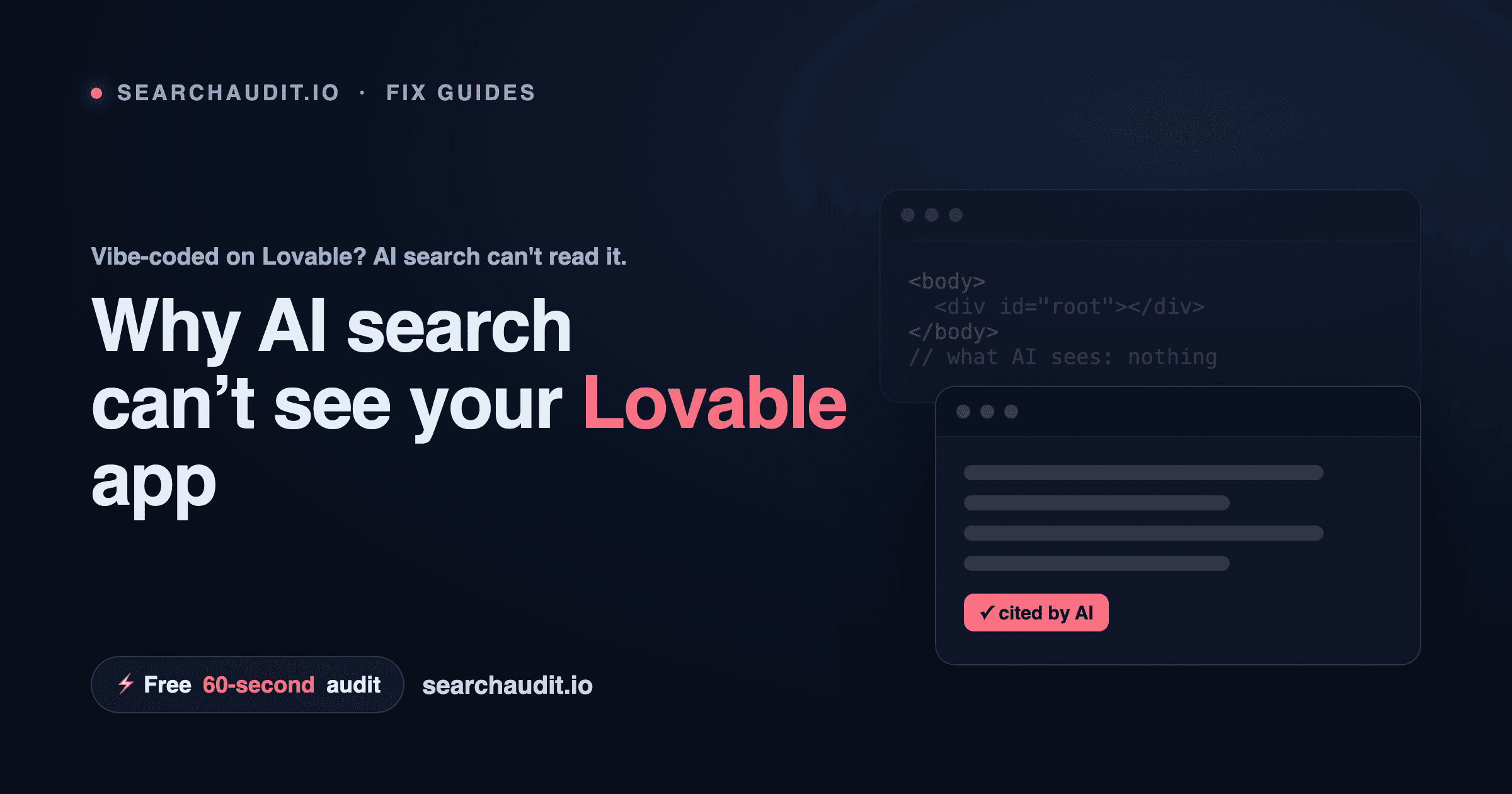
Why Is My Lovable App Not Showing Up on Google and ChatGPT? Most likely because your Lovable app ships as a single-page app: the page is built in the visitor's browser with JavaScript, so the first thing a crawler receives is a near-empty HTML shell — a
with no real content inside. Humans see a finished site; Google and AI engines often see nothing. Key takeaways Lovable apps usually render content client-side, so crawlers that don't run JavaScript get an empty page. This hits AI search engines hardest — ChatGPT, Perplexity, Claude, Gemini and Google's AI Overviews need readable HTML to quote you. The fix is three moves: serve real HTML (SSR or pre-render), add JSON-LD structured data, and expose AI-friendly files (clean robots.txt, optional llms.txt). You can check exactly what a crawler sees in about 60 seconds with a free audit — no signup. The problem: your content lives in JavaScript, not in the HTML When you open a Lovable app, your browser downloads a small HTML file and a bundle of JavaScript. The JavaScript then draws the page — the headline, the copy, the pricing, everything. That works beautifully for a human with a modern browser. A crawler is not a human with a modern browser. Many crawlers fetch your HTML and read it as-is, without waiting for JavaScript to run. If your real content only appears after the JavaScript executes, those crawlers see something like this: There's no headline, no text, no answer to anyone's question. Google can sometimes render JavaScript, but it's slower and never guaranteed. The AI engines that increasingly send you traffic — ChatGPT Search, Perplexity, Claude, Gemini, Google AI Overviews — are far less forgiving. If your content isn't in the HTML, they usually can't read it, and if they can't read it, they can't cite you. How to tell if this is happening to you Two quick checks: View the raw HTML. In your browser, right-click your live Lovable page and choose "View Page Source" (not "Inspect"). If you mostly see an empty and script tags — and none of your actual copy — that's the problem.
Run a crawler-eye audit. A tool that fetches your page the way a bot does will tell you in plain English whether your content is visible and which AI engines can reach it.
The fix in 3 steps
- Serve real HTML (server-side rendering or pre-rendering) Get your content into the HTML before it reaches the crawler. Two common routes: Server-side rendering (SSR): the page is assembled on the server and sent as complete HTML. If you move your project toward a framework that supports SSR, this is the cleanest path. Pre-rendering / static export: for mostly-static pages (landing, about, pricing), generate static HTML at build time so each URL returns finished content. Either way, the goal is the same: when a bot requests your page, it gets the words, not an empty shell.
- Add JSON-LD structured data Structured data is a small block of machine-readable JSON in your page that spells out what the page is — an article, a product, an FAQ, an organization. AI engines use it to understand and quote you with confidence. Start with Organization and WebSite, then add FAQPage on any page that answers common questions.
- Expose AI-friendly files robots.txt: make sure you're not accidentally blocking AI crawlers like GPTBot, ClaudeBot or PerplexityBot. llms.txt: an emerging, optional convention — a plain-text file at your root that points AI models to your most important pages. It's not an official standard yet, but it's cheap to add and forward-looking. Do this once, then verify Ship the fix, redeploy, then re-check what a crawler actually receives. AI visibility isn't permanent — it can quietly drop after a redeploy changes how your pages render — so it's worth re-testing whenever you ship. See what AI search sees — free, 60 seconds Run a free audit of your Lovable site and get your AI Visibility Score (0–100), a category breakdown, and the exact issues holding you back — in about 60 seconds, no signup, no credit card.
See what AI sees on your site
Free score & issues report. No signup.