You did it right. You made your pages render real HTML, added a llms.txt, dropped in structured data, and your AI Visibility Score jumped. Then a few months later you check again and you've slid back down. Nothing looks broken. So what happened?
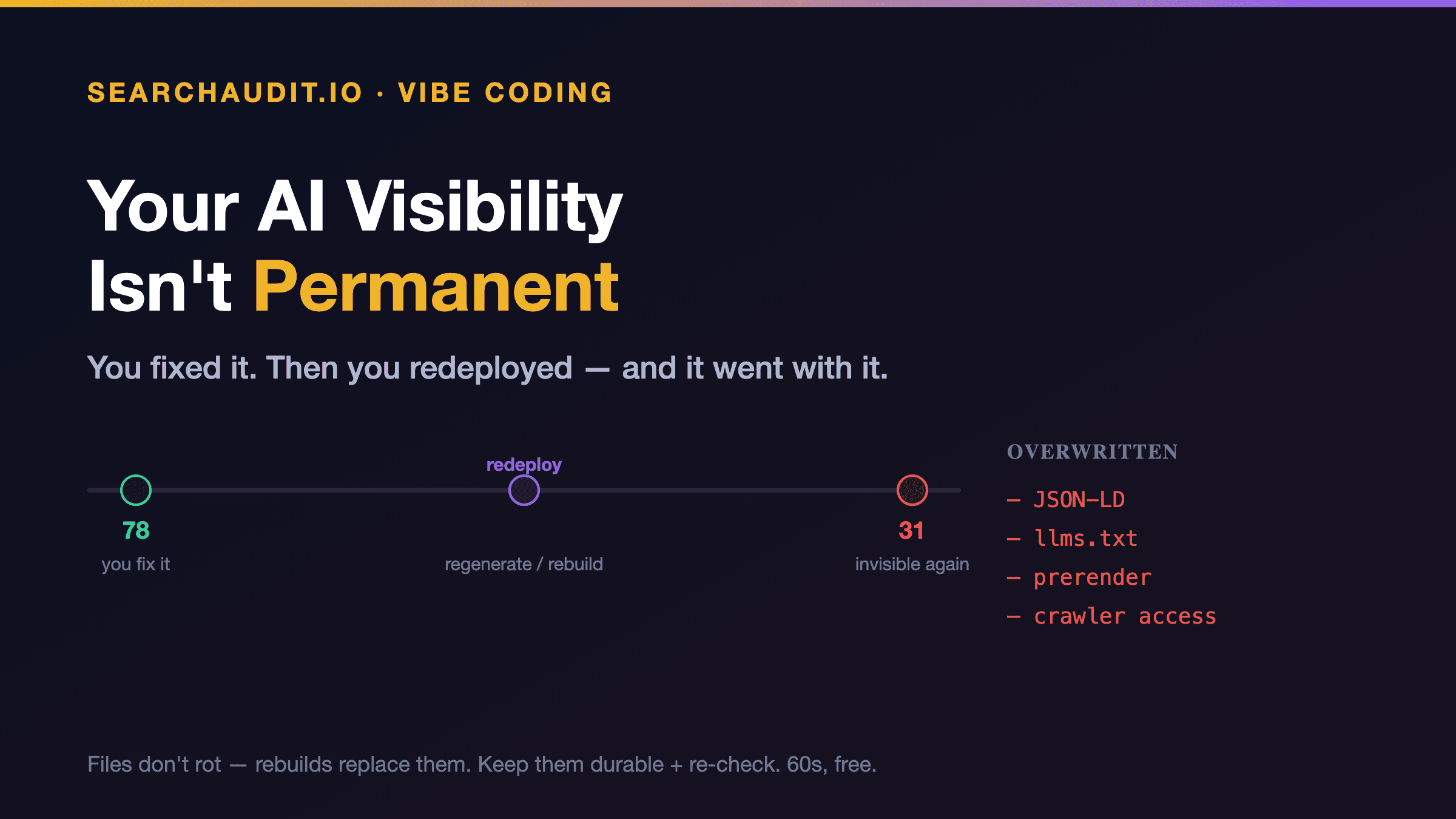
You redeployed. Or regenerated. Or your builder shipped an update. And your fixes quietly went with it.
Why vibe-coded fixes erode
Here's the thing to understand: your AI-visibility fixes aren't a certificate you earn once. They're files and settings in your current deployment. And on vibe-coded stacks, a lot of routine actions overwrite exactly those files:
- Re-generating a page from a prompt can rewrite your page's — and take your JSON-LD with it.
- Re-exporting or rebuilding can drop the llms.txt you added to public/, or reset a prerender setting back to client-only, bringing back the empty shell a crawler can't read.
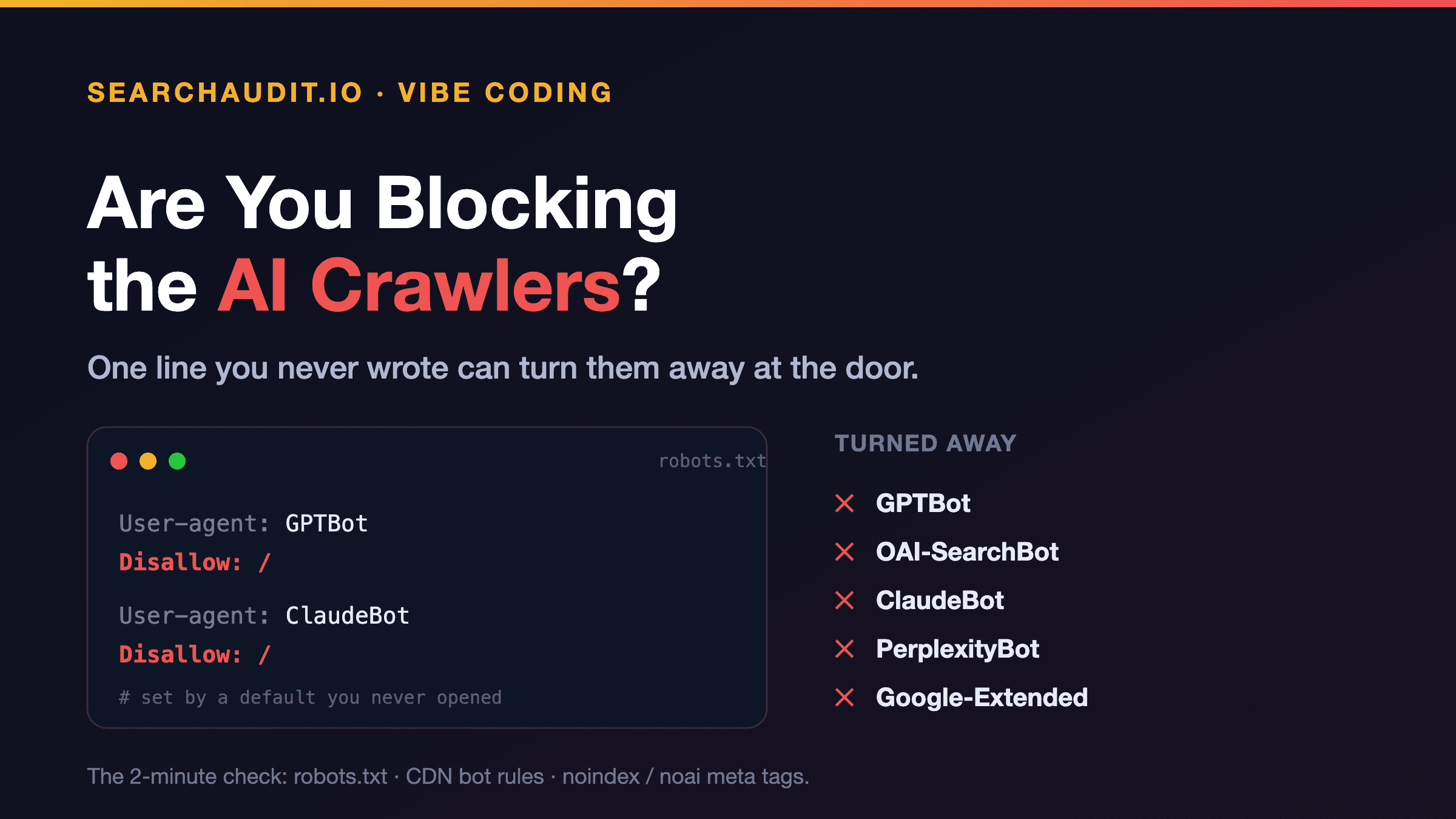
- A theme or plugin update can reintroduce a robots.txt that blocks the AI crawlers, or a heavy script that hides content again.
- A redesign or migration rebuilds your HTML from scratch — and unless someone carried the fixes over, they're gone.
None of this is a decay. Your files don't rot on their own. They get replaced, because a regeneration doesn't know they were special.
This isn't a walk-back of "no subscription required." We still mean it: the fix itself is permanent, and you don't need to pay monthly to keep static files working. The only thing that changes AI visibility is a change to your deployed HTML — so the answer isn't a subscription, it's a 60-second free re-check after you ship something big. That's it.
How to keep your fixes in place
Two habits, both cheap:
- Put your fixes where a rebuild won't casually erase them.
- Commit your llms.txt to source control, not just the live server.
- Put your JSON-LD in a layout, template, or component that every build includes — not a one-off paste into a single generated file.
- Keep your prerender / SSR setting in config, and note it somewhere your future self will see before a big rebuild.
- Re-audit after anything significant. Not every tweak — but any of these deserves a fresh check: a rebuild or re-export, a redesign, a platform migration, a builder or plugin update, a big content overhaul. It takes about a minute.
Here's a post-deploy checklist worth saving:
- View your live page source — is your content still in the raw HTML, or back to an empty shell?
- Is yoursite.com/llms.txt still there?
- Is your JSON-LD still in the ?
- Does yoursite.com/robots.txt still allow the AI crawlers?
Any "no," and you've caught a regression before it cost you months of invisibility.
The bigger point
AI visibility is a property of what's deployed right now, not a status you unlock forever. On stacks where "just regenerate it" is a normal move, that means the occasional re-check is part of the deal — and the same core fixes, placed durably, survive almost everything you'll throw at your site.
The easiest way to catch a regression is to look. Run a free audit after your next big deploy — paste your URL, 60 seconds, no signup — and you'll see immediately whether your fixes held. If you're shipping and re-checking sites regularly, that's exactly what Pro ($79/mo, up to 5 domains) and Agency ($199/mo, up to 20) are for; if you're just watching one, the re-check is free, every time.
You already did the hard part. Spend one minute after each big change making sure it stuck.
(Figures reference SearchAudit's 301-site AI-visibility study. This piece is about presence and citation in AI answers, not traffic or Google rankings. Prices current as of publication — check the live pricing page.)