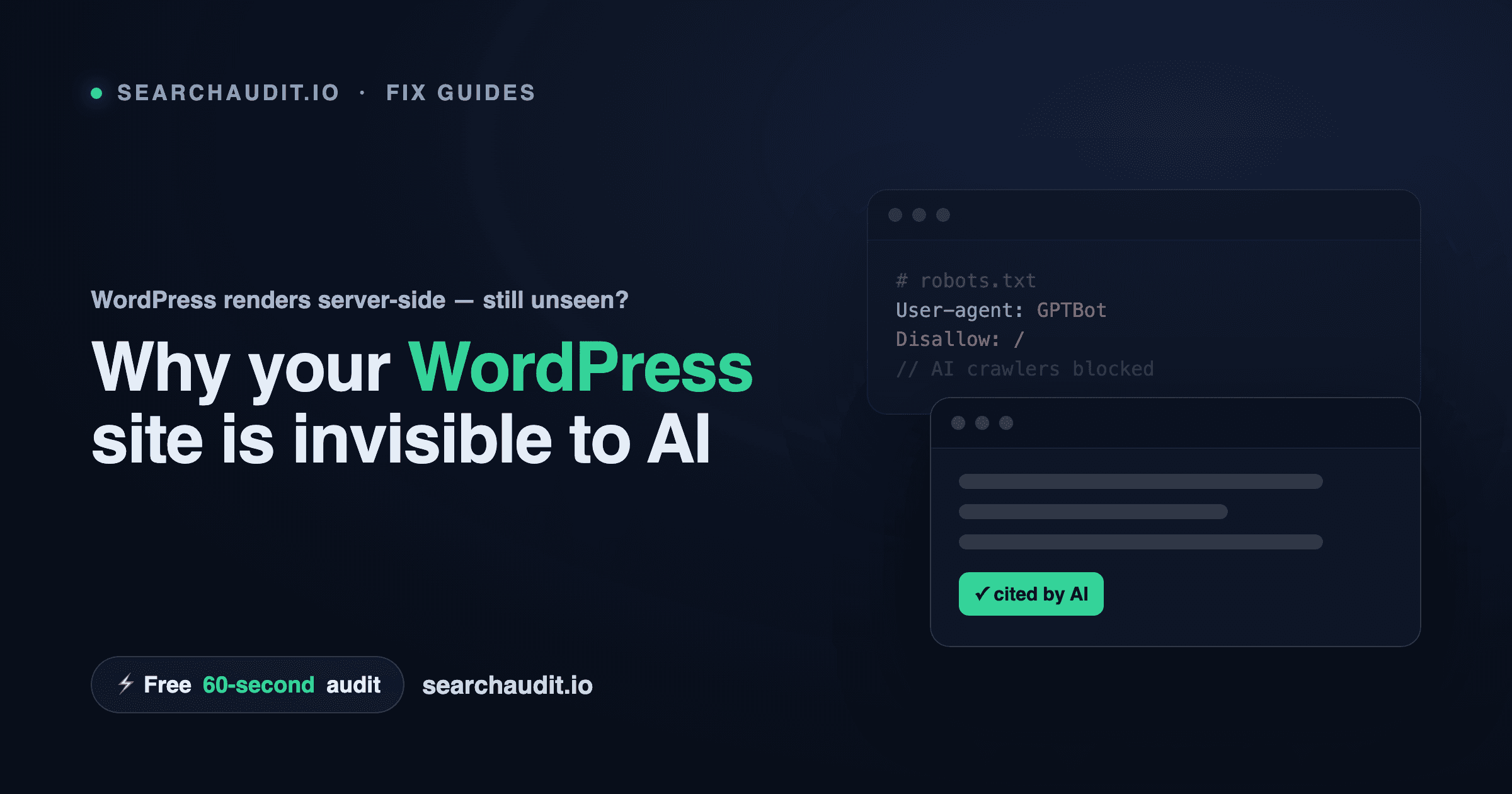
Why Is My WordPress Site Invisible to ChatGPT and AI Search? WordPress renders real HTML on the server, so crawlers can read your pages. If ChatGPT, Perplexity, and Google's AI Overviews still can't see you, it's usually because AI crawlers are being blocked, your pages have no structured data, or your content doesn't answer questions directly — not because the page is empty. Key takeaways WordPress is server-rendered, so "empty shell" isn't your problem. The common culprits: AI bots blocked, no structured data, indirect content. Security and SEO plugins can block AI crawlers without you realizing it. Clear, question-answering content plus schema is what earns citations. The problem AI engines need to (1) reach your pages and (2) understand them. On WordPress, both can quietly break. Security plugins, aggressive robots.txt rules, or firewall settings often block crawlers like GPTBot, ClaudeBot, and PerplexityBot. And even when bots get in, many WordPress themes ship bloated markup with no JSON-LD and long, meandering copy that never states a clear answer — so there's nothing clean for an engine to quote.
The 3-step fix Let the AI crawlers in. Check your robots.txt and any security/SEO plugin, and make sure GPTBot, ClaudeBot, PerplexityBot, and Google-Extended aren't blocked. Add structured data and direct answers. Use your SEO plugin or a JSON-LD snippet to add Organization, Article, and FAQ schema, and open key pages with a short, direct answer to the question they target. Add an llms.txt. Place a plain-text llms.txt at your root pointing to your most important content — an emerging, optional convention that's quick to add. Check your WordPress site in 60 seconds Paste your URL into SearchAudit and we'll show you exactly what ChatGPT, Perplexity, Gemini, and AI Overviews can — and can't — read on your WordPress site, including whether you're accidentally blocking them. Free, about 60 seconds, no signup, no credit card. Run a free audit — get your AI Visibility Score (0–100), the category breakdown, and the exact issues to fix. About 60 seconds, no signup, no credit card.