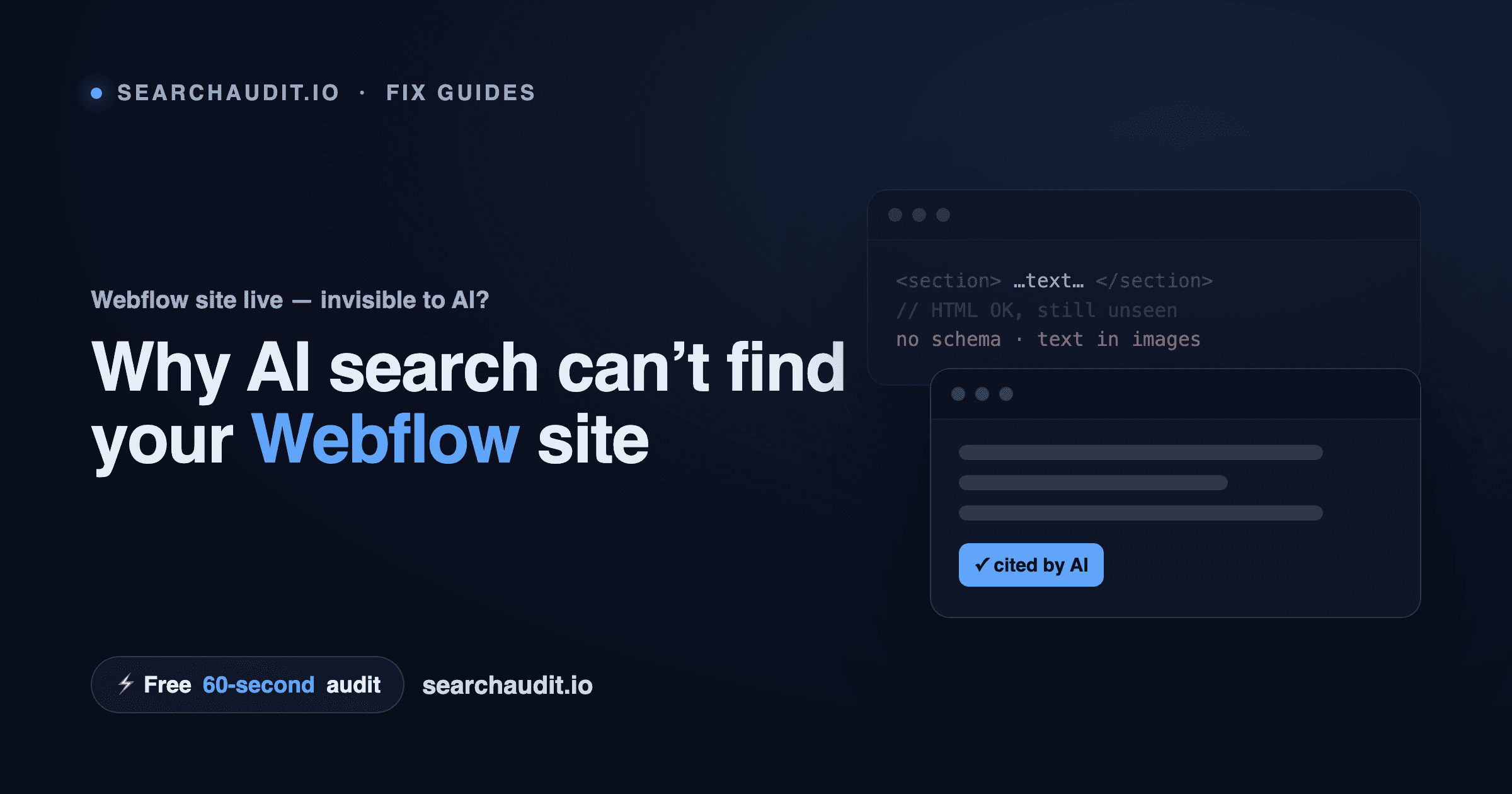
Why Isn't My Webflow Site Showing Up on ChatGPT or Google? Webflow outputs clean, server-rendered HTML, so your pages are almost always crawlable. If ChatGPT and Google still aren't citing you, it's rarely a rendering problem — it's usually that you're published on a .webflow.io staging subdomain, your pages lack structured data, or your content doesn't directly answer the questions people ask. Key takeaways Webflow is SEO-friendly out of the box, so crawlers can read your HTML. The AI-visibility gap is about signals and content, not an empty page. Publishing on .webflow.io instead of your own domain quietly caps your visibility. Structured data and direct, quotable answers are what get you cited. The problem AI answer engines read your HTML and look for clear, structured, quotable content. Webflow gives you readable HTML — but it won't add structured data for you, and it's easy to leave SEO fields empty or publish a design-rich page with little real copy. Two things hold Webflow sites back most: staying on the .webflow.io subdomain (in our audit of 301 vibe-coded sites, shared-subdomain sites averaged an AI Visibility Score of 24.3 vs 43.8 on a proper domain), and shipping no JSON-LD or FAQ content for engines to quote.
The 3-step fix Publish to your custom domain. Connect and publish on your own domain — not .webflow.io. This is the single biggest lever for most Webflow sites. Add structured data and real answers. Use Webflow's custom-code embed to add JSON-LD (Organization, Product, FAQ), and write a short, direct answer to the main question your page targets, near the top. Add an llms.txt and keep crawlers unblocked. Add a plain-text llms.txt at your root, and confirm your site settings aren't blocking AI crawlers. llms.txt is an emerging, optional convention — but a cheap signal to add. Check your Webflow site in 60 seconds Paste your URL into SearchAudit and we'll show you exactly what ChatGPT, Perplexity, Gemini, and AI Overviews can read on your Webflow site — and the specific fix for each gap. Free, about 60 seconds, no signup, no credit card. Run a free audit — get your AI Visibility Score (0–100), the category breakdown, and the exact issues to fix. About 60 seconds, no signup, no credit card.